

 Pete Permitor
Learning how to manage events online is essential for keeping your audience engaged and organized. On the Permitors platform, you can create, edit, and update events in just a few clicks.
Log into your account and navigate to the menu. Click on “Event Creator” to begin setting up a new event with a title, description, date, and time.
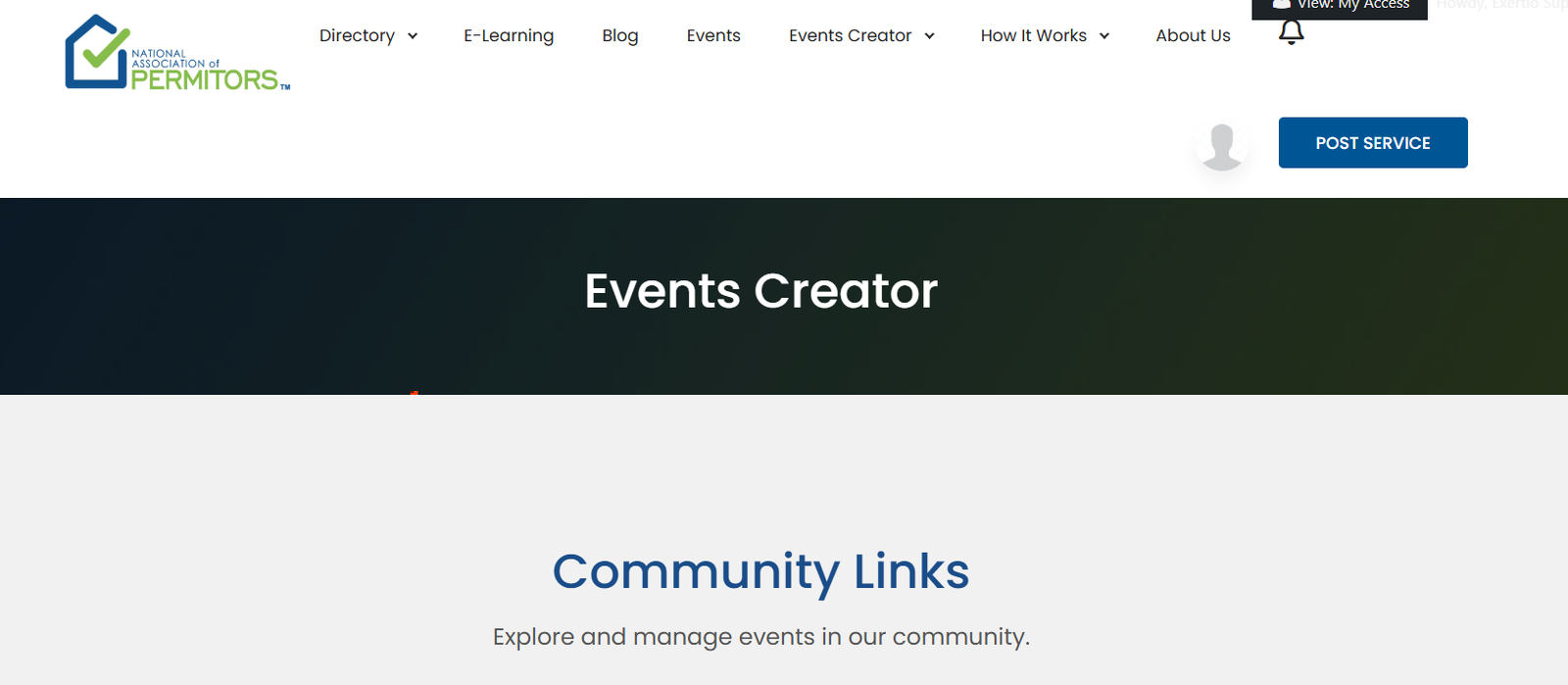
Click on “List Event” to access a full list of the events you’ve created. This list allows you to track status and view details at a glance.

All submitted events will appear under “My Events,” showing their current status: Scheduled, Pending, or Canceled.
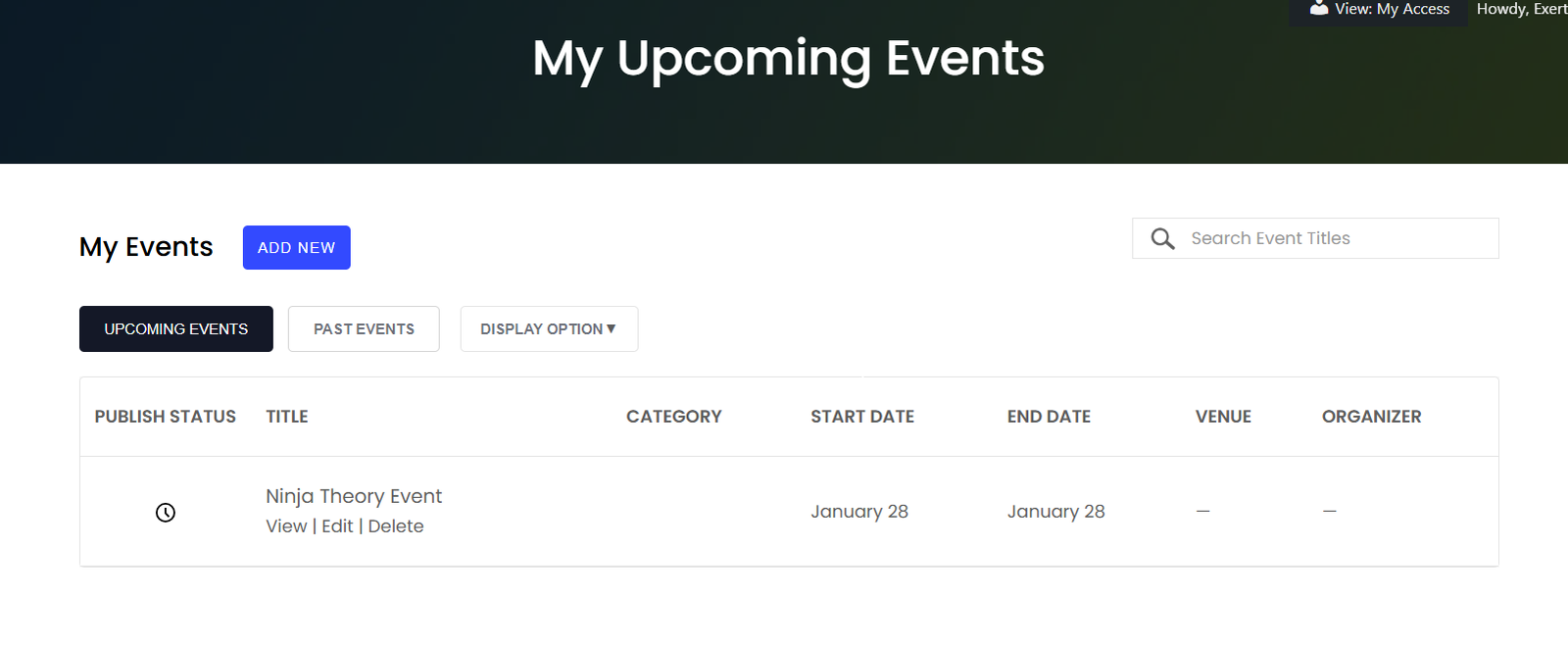
If you need to make changes, simply use the edit or delete option next to the event you wish to update.
💡 Pro Tip: Keep your event statuses updated to ensure participants always have the correct information.
Visit our Help Center or manage your events in the Permitors Dashboard.
External Resource: Want to learn more about successful online event planning? Check this guide from Eventbrite.
Forget about complicated procedures! With us, getting permits is easy, secure and fast. Start your process today!
Explore, purchase, and simplify your permit acquisition journey at PERMITORS. Unlock opportunities effortlessly!
Copyright 2025 © National Association of PERMITORS. All Rights Reserved.
Leave Your Comment